![Untitled design (2)-3.png]](https://support.helloalleva.com/hs-fs/hubfs/Untitled%20design%20(2)-3.png?height=50&name=Untitled%20design%20(2)-3.png)
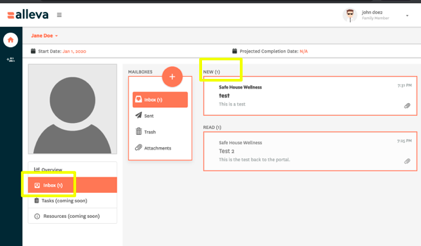
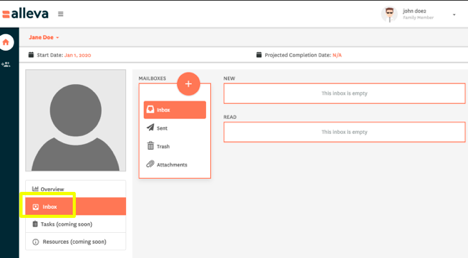
To send or receive a message you will need to log into the family portal and select the Inbox tab. Select the Orange + to send a new message.
If you have new incoming message you will have a number appear next to your Inbox. You can view the message and any corresponding attachments.